
Calendar
Plan days and weeks.
Task & project management in Obsidian
Manage tasks inside your notes or give them a file of their own. Plan projects and track the same work across connected views in Obsidian.
Markdown-based Desktop & mobile Open source Free to use
Start small. Build your own workflow. New to Operon? Start here.
Inline & file tasks
Create inline tasks where ideas appear, or give larger work a file of its own. Convert between the two while preserving task identity.
Projects & progress
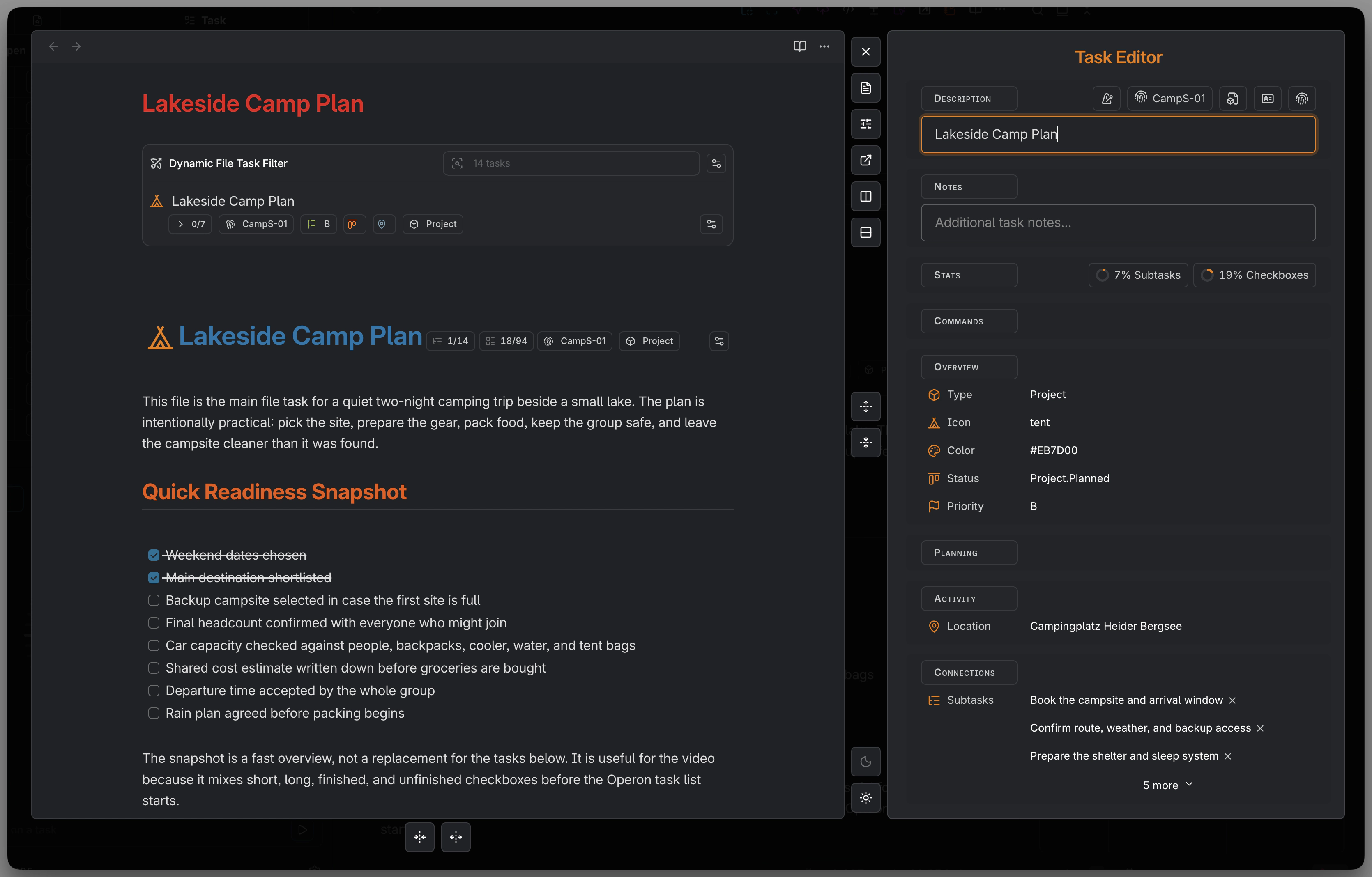
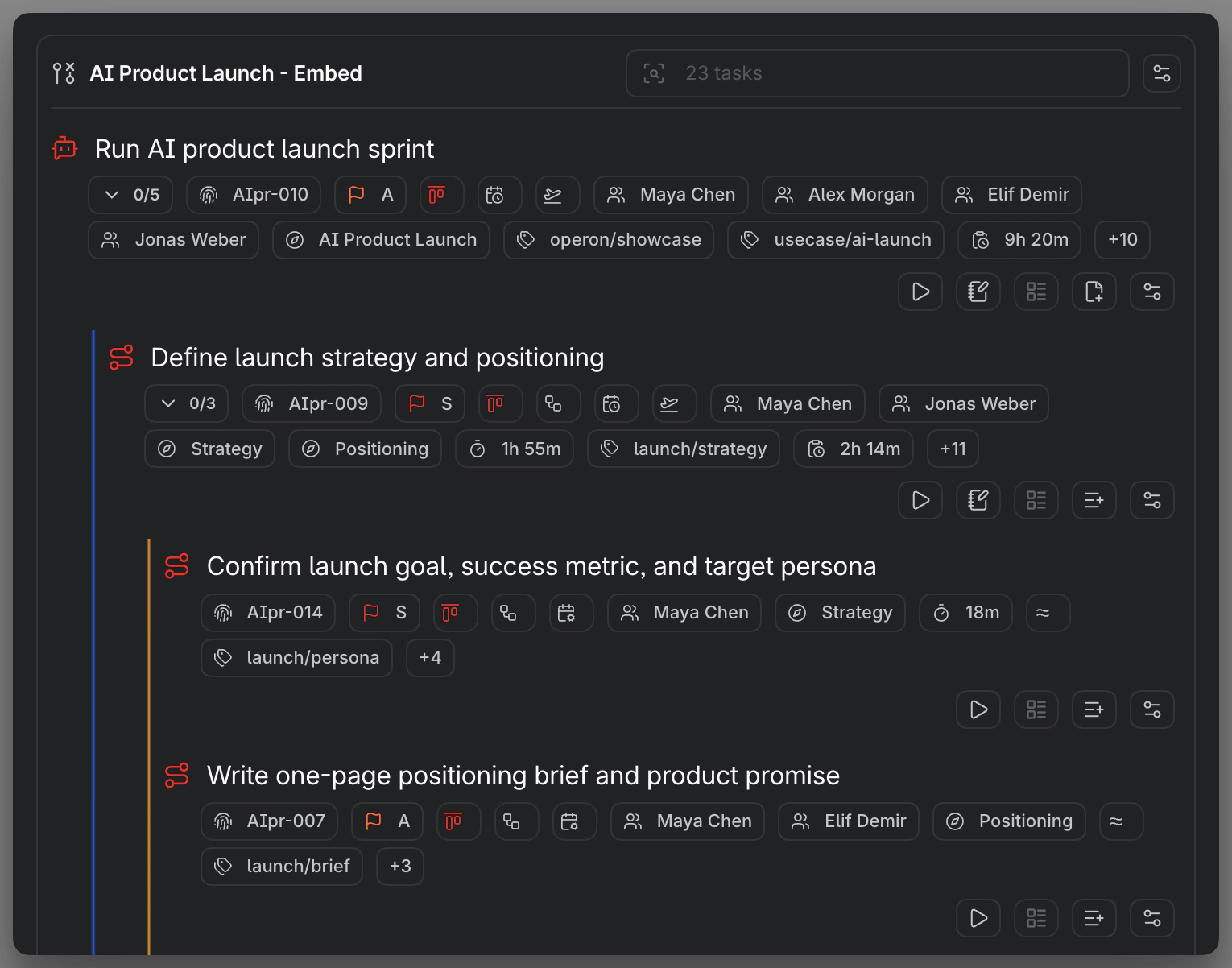
Connect parent tasks and subtasks, follow progress, and shape workflows with your own statuses and priorities.
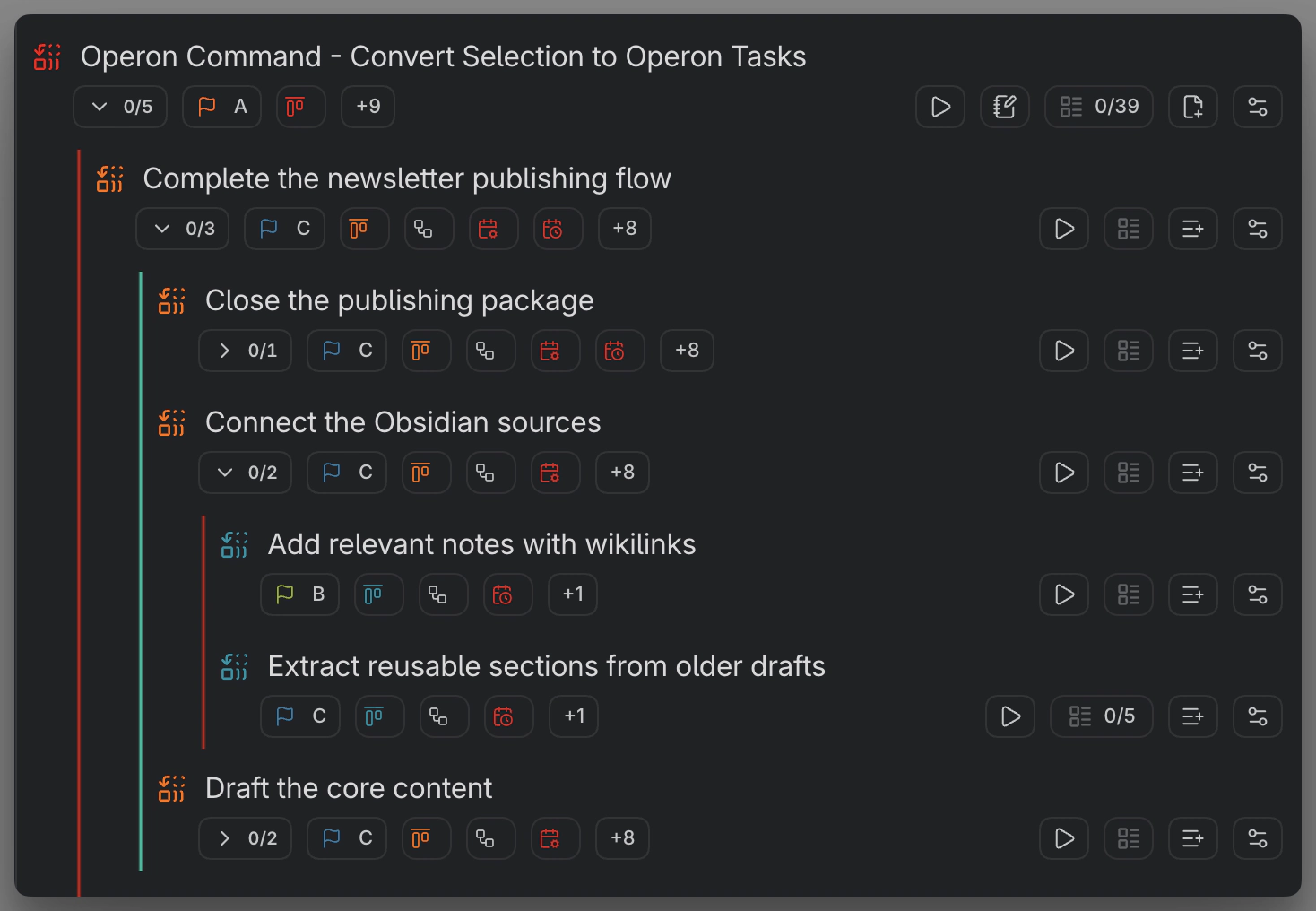
Connect tasks in a project tree and follow progress on the parent.
Use pipelines, statuses, and priorities that fit your work.
Connected views
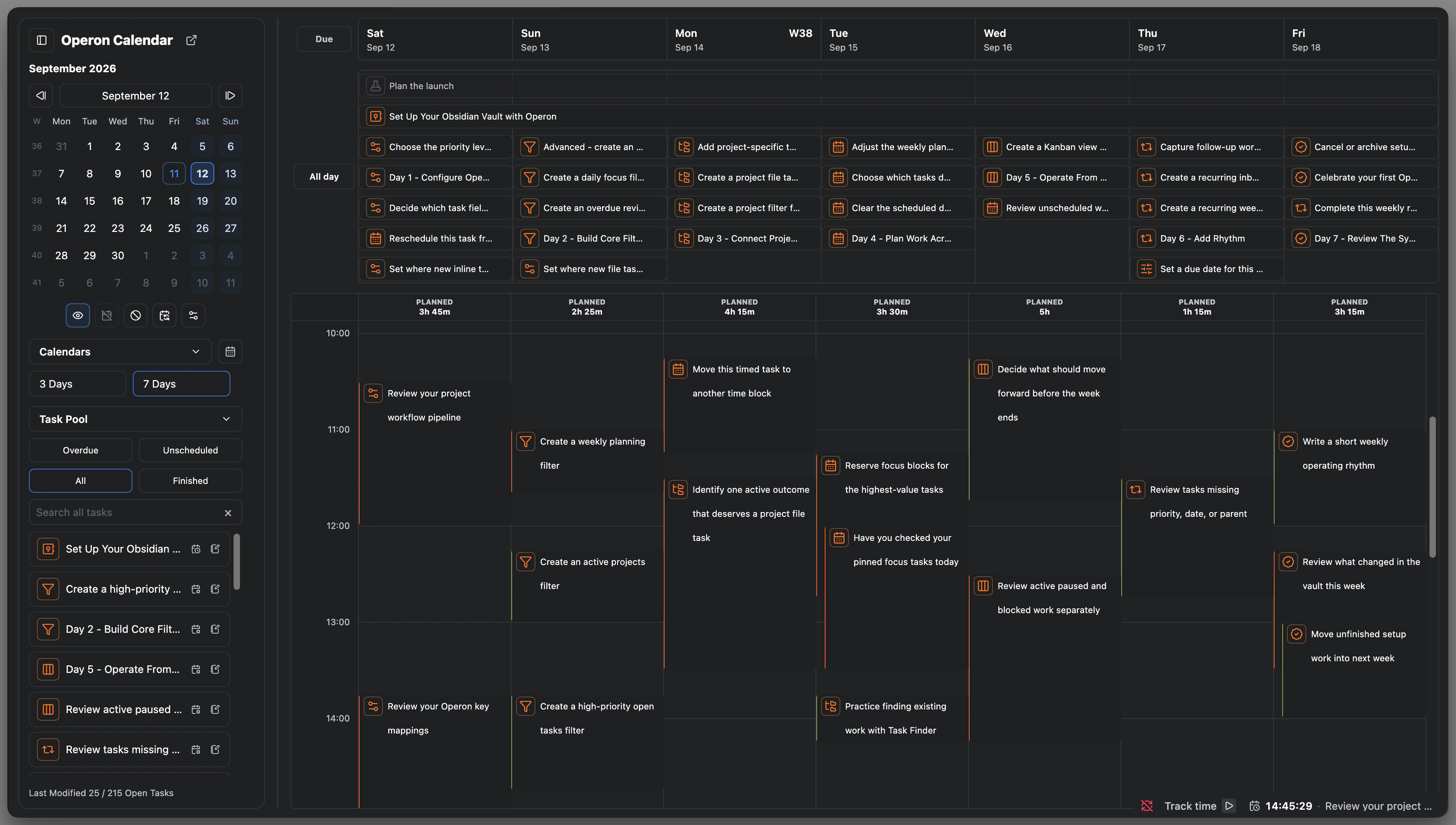
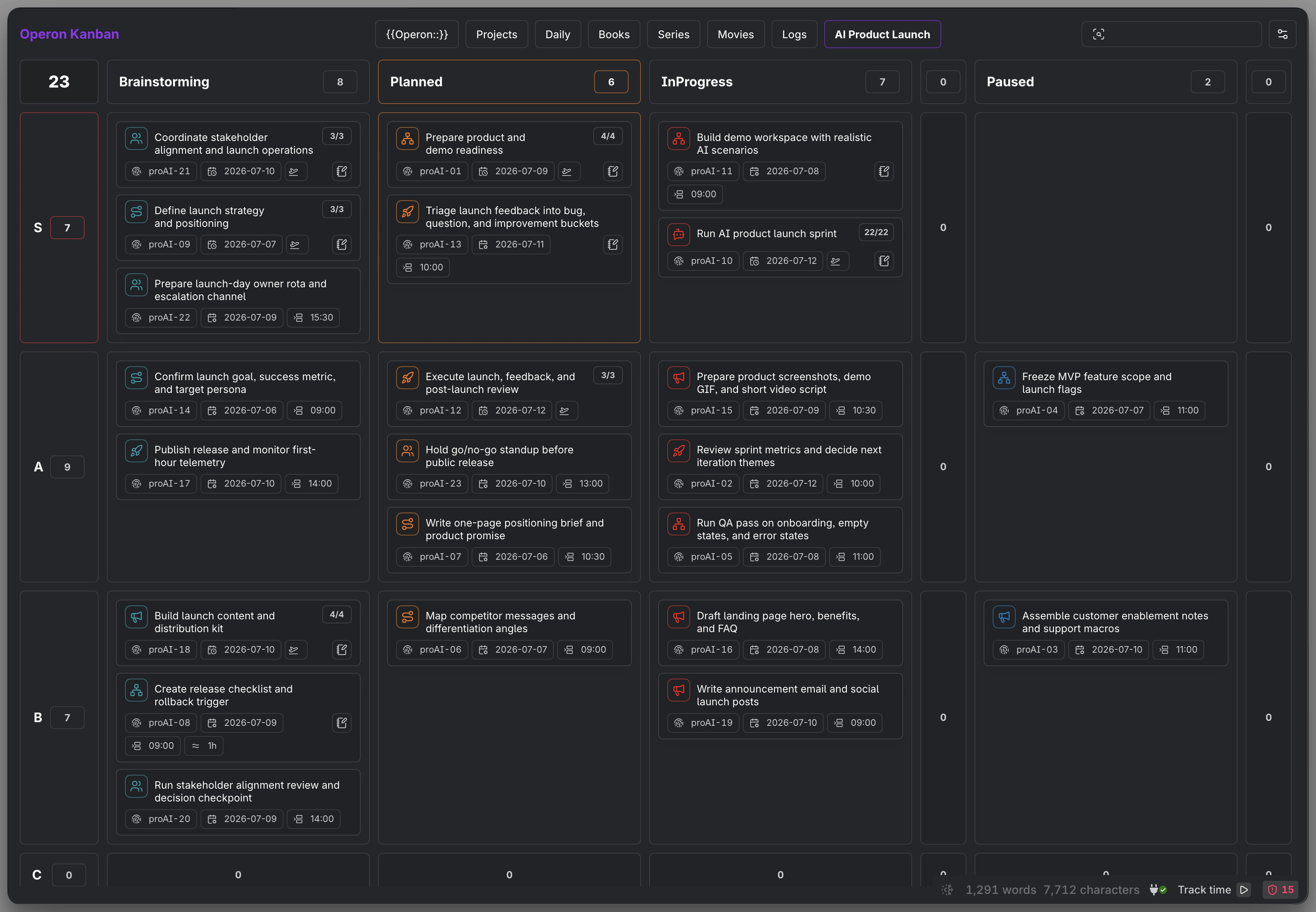
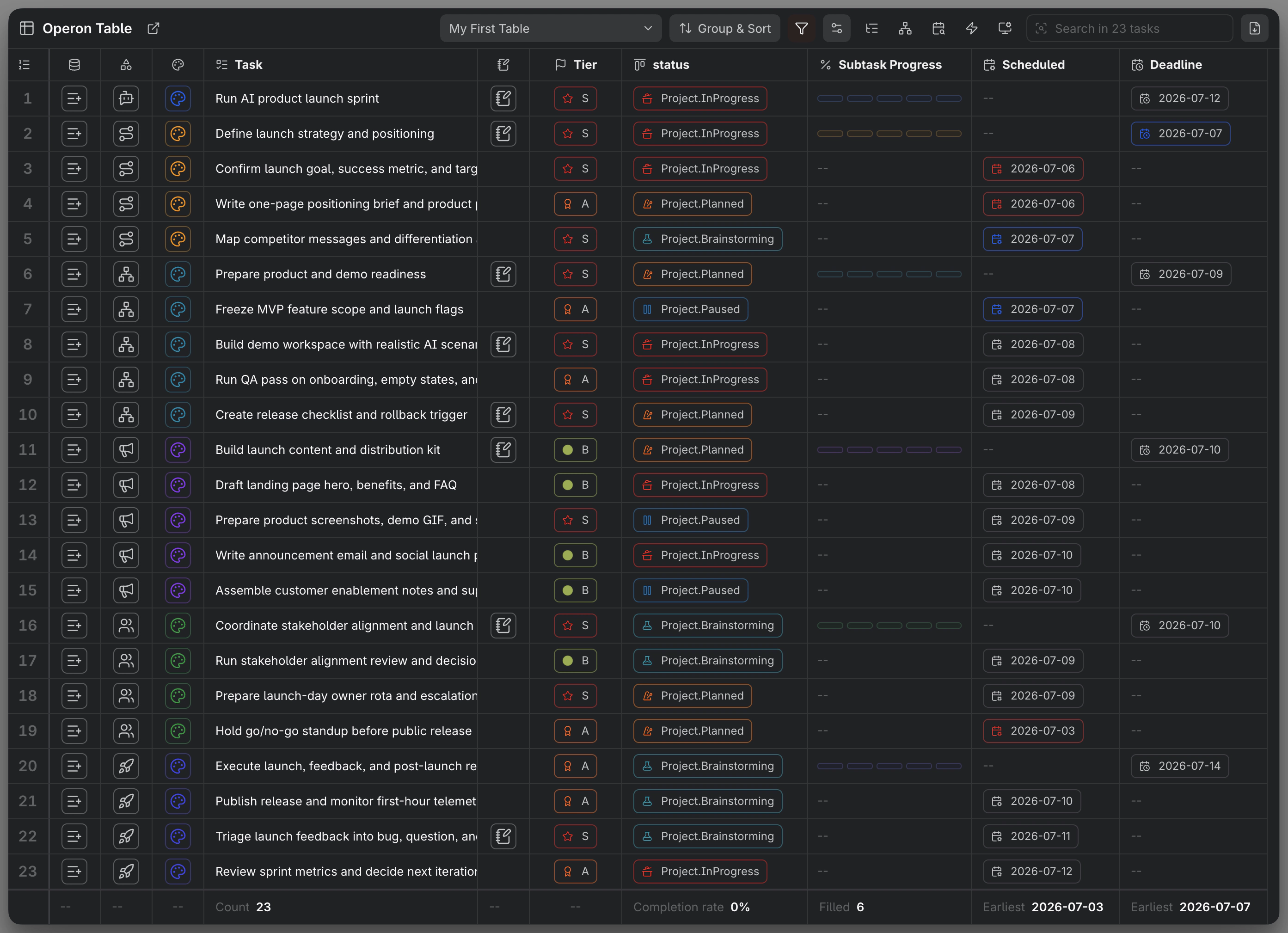
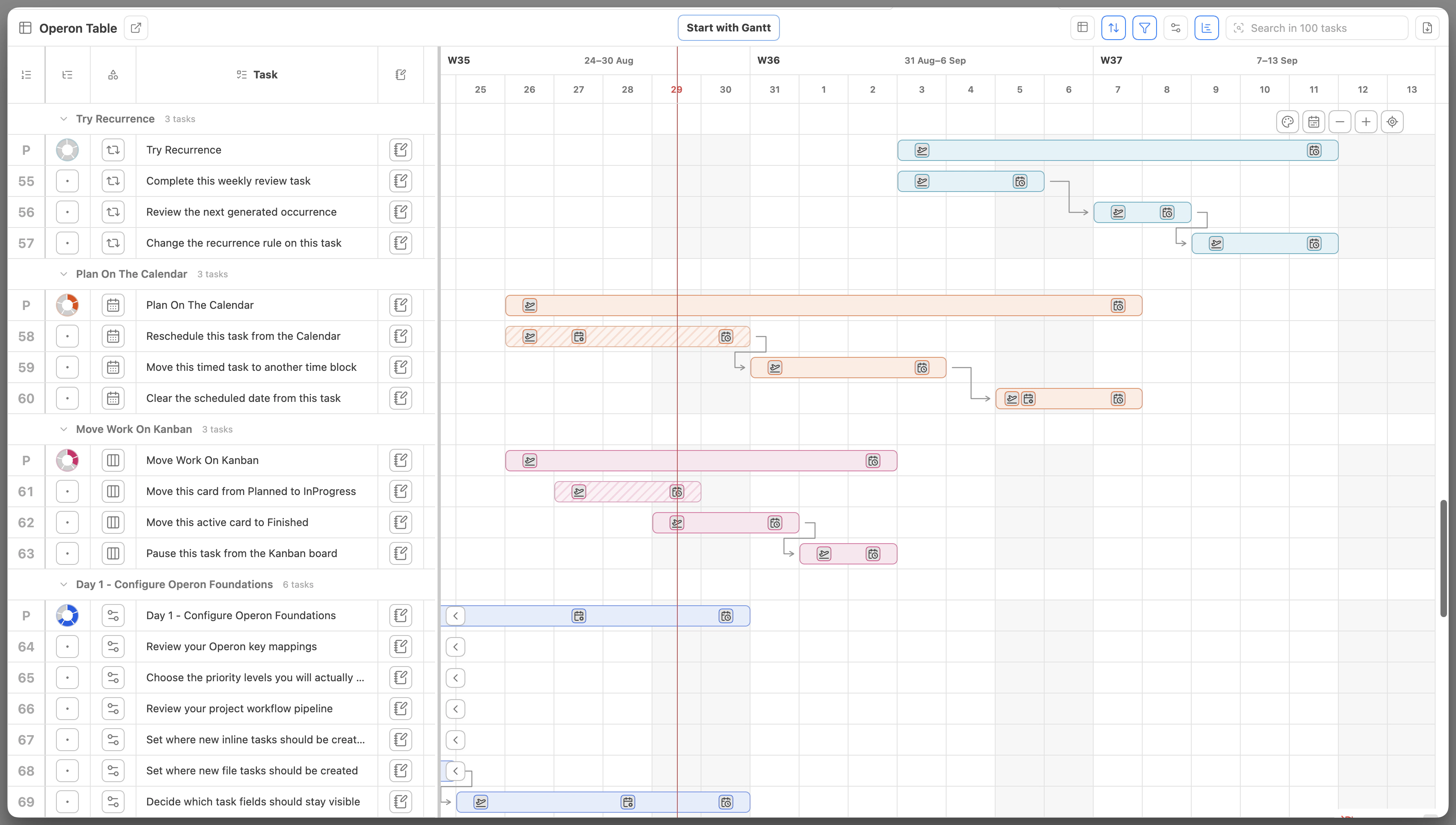
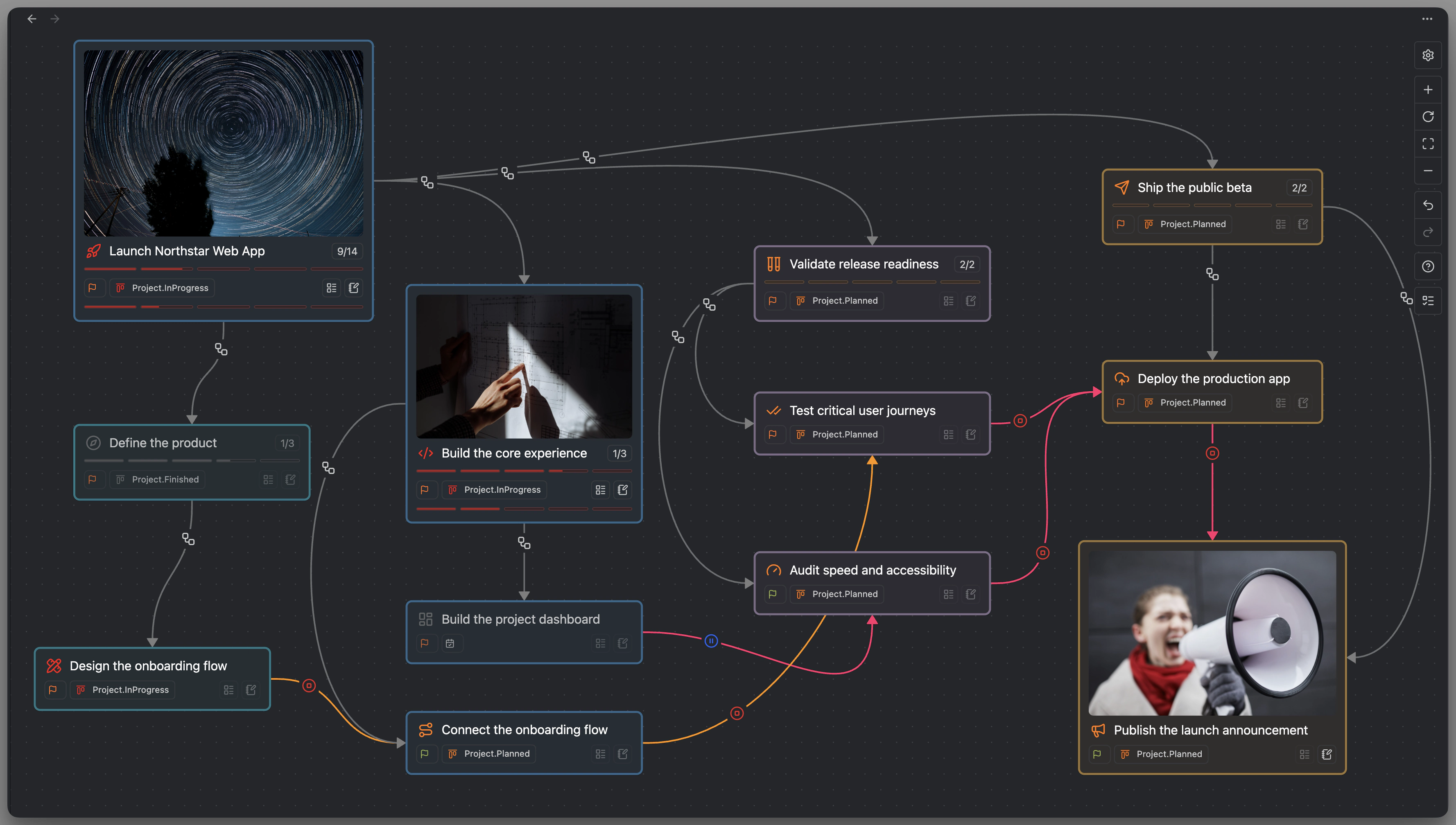
Schedule in Calendar, move work through Kanban, compare fields in Table, and follow timelines with Gantt. Focus your list with Filters, or connect task cards on Canvas.
Daily work
Find and filter relevant tasks, pin active work, and track time from the task. Use recurrence and reminders for work that returns.

Set up recurrence and reminders for ongoing responsibilities.
Humans & agents
Already working with an AI agent? Let it work with your Operon tasks. Use Operon CLI and ready-made skills to read, create, and update tasks through the live Operon Runtime.
CLI workflows require Obsidian Desktop running.
Built for both sides of the conversation
Human-readable.
Agent-ready.
The context you work with.
The structure your agent can use.
The idea. The reason.
The details that matter.
Everyday task workflows for your agent.
Explore operon-tasksDetailed CLI guidance and advanced workflows.
Explore operon-cliSupport Operon
Operon is free. You can install it and start using its task and project management tools right away. If it makes a difference to your work, you can choose to support its continued development.
Your support helps make time for improvements, documentation, and the details that make Operon better to use.